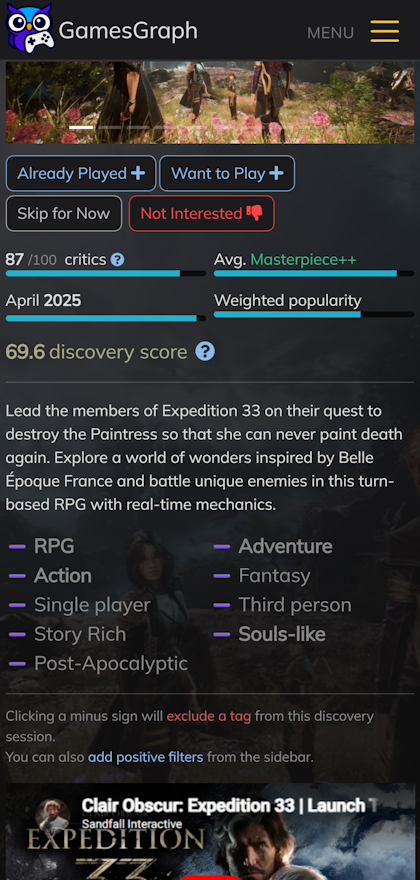
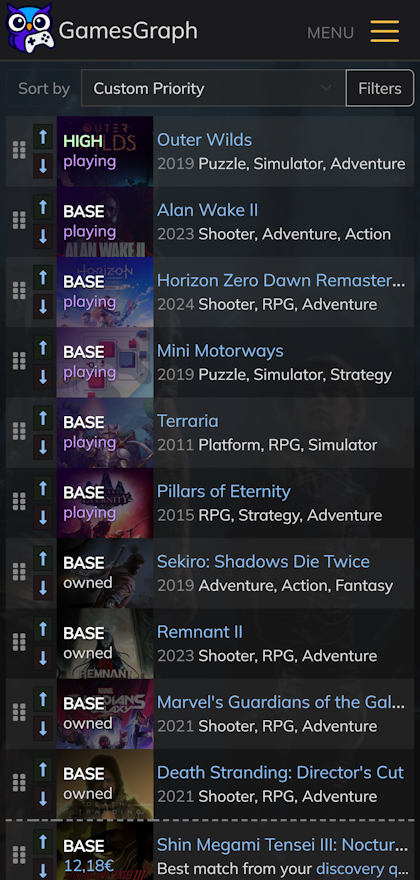
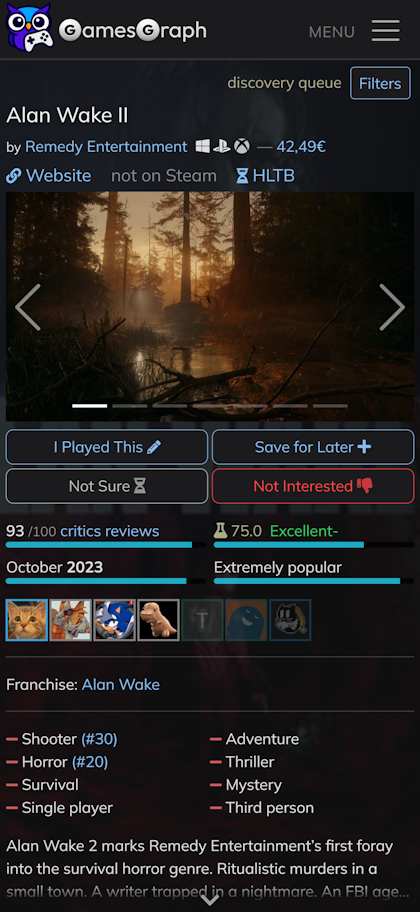
Install the GamesGraph app
Add GamesGraph to your iPhone, iPad or Android home screen as a Progressive Web App, with its own icon and window. Same as a native app, with no store review delays. We don't send notifications, ever.
Android
Works with Chrome, Firefox, and Samsung Internet.
- Open gamesgraph.com in your browser
- Tap the browser menu (three dots on the top-right, usually)
- Tap Add to Home screen or Install
- Confirm
iPhone & iPad
On iOS, PWA installation requires Safari.
- Open gamesgraph.com in Safari
- Tap the Share button at the bottom of the screen
- Scroll down and tap Add to Home Screen
- Tap Add in the top right
Once installed, the app opens in its own full-screen window and can be launched directly from your home screen or app drawer. An internet connection is still required to load your data!